
Introduction
SakuraMedia is a media management and viewing platform built for NAS users. It brings movie discovery, subscriptions, downloads, importing, playback and favorites together in one place. You can pick out the movies you are interested in first and let the system handle downloading and importing them once resources become available, or you can import the files you already have.
Features
Discover what you want → subscribe and acquire → browse frames and start watching → keep what you like.
Note it down first, import it once resources are available
After you subscribe to a movie, the system regularly looks for suitable resources, submits a download, and automatically imports it into the media library when the download finishes. For movies without resources yet, you can leave them on the subscription list and check their progress later in subscription management.
Actor subscriptions are for continuously receiving updates to a performer's works, from which you pick the movies you want to watch. The two kinds of subscriptions are managed separately; following an actor will not automatically download all of her works.
Learn about subscriptions and downloads
Start watching from a frame you like
Thumbnails spread the frames of a movie out along a timeline; click one to jump to that point. You can browse the scenes first and then decide where to start watching.
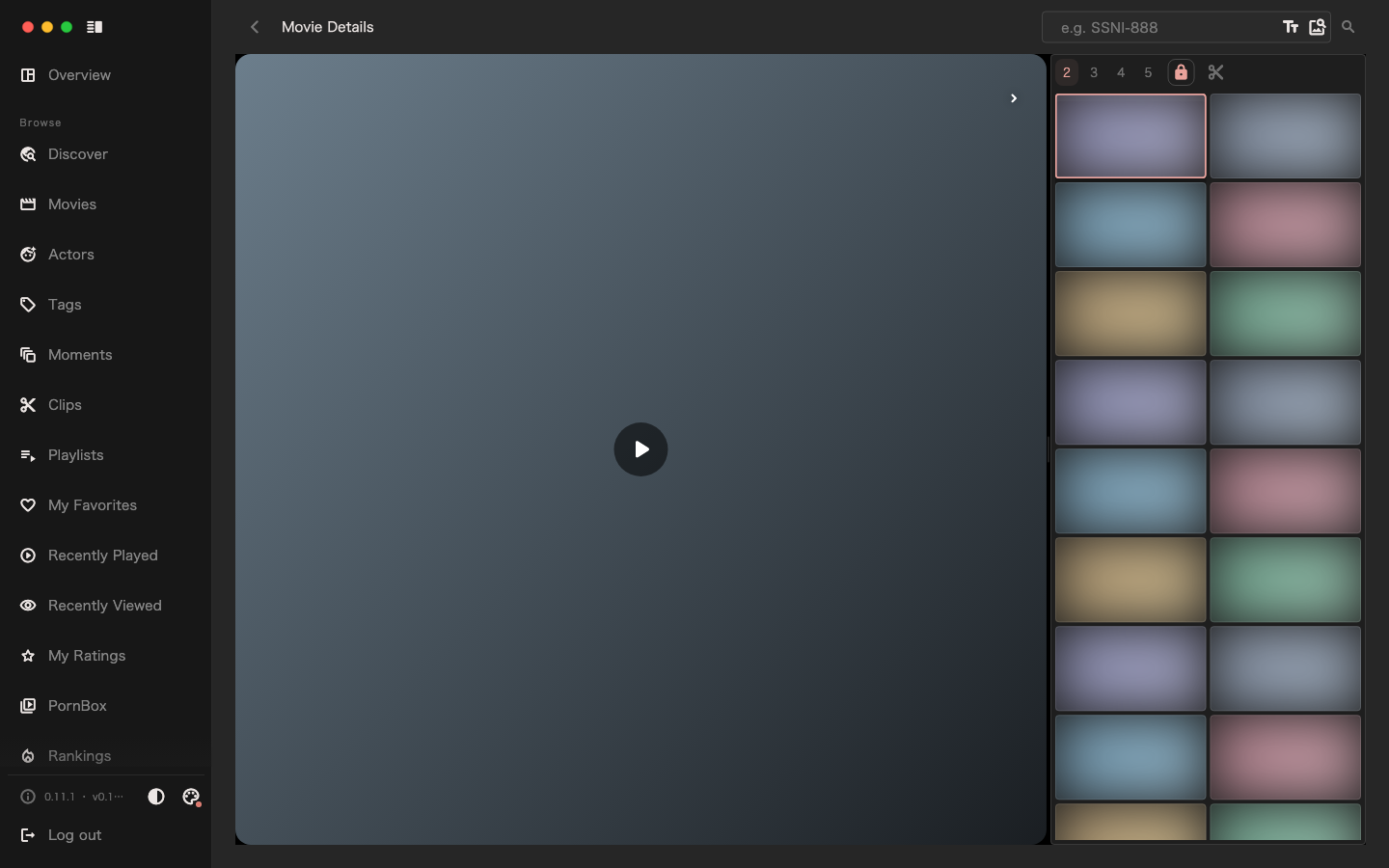
When you find a frame you like, you can also use "Similar Images" to find related content in your library, or type a description to search frames. The search covers images that have already been indexed, so you need to set up the companion services and finish indexing first.
A whole movie, a single moment, or a clip — each has its own way to be kept
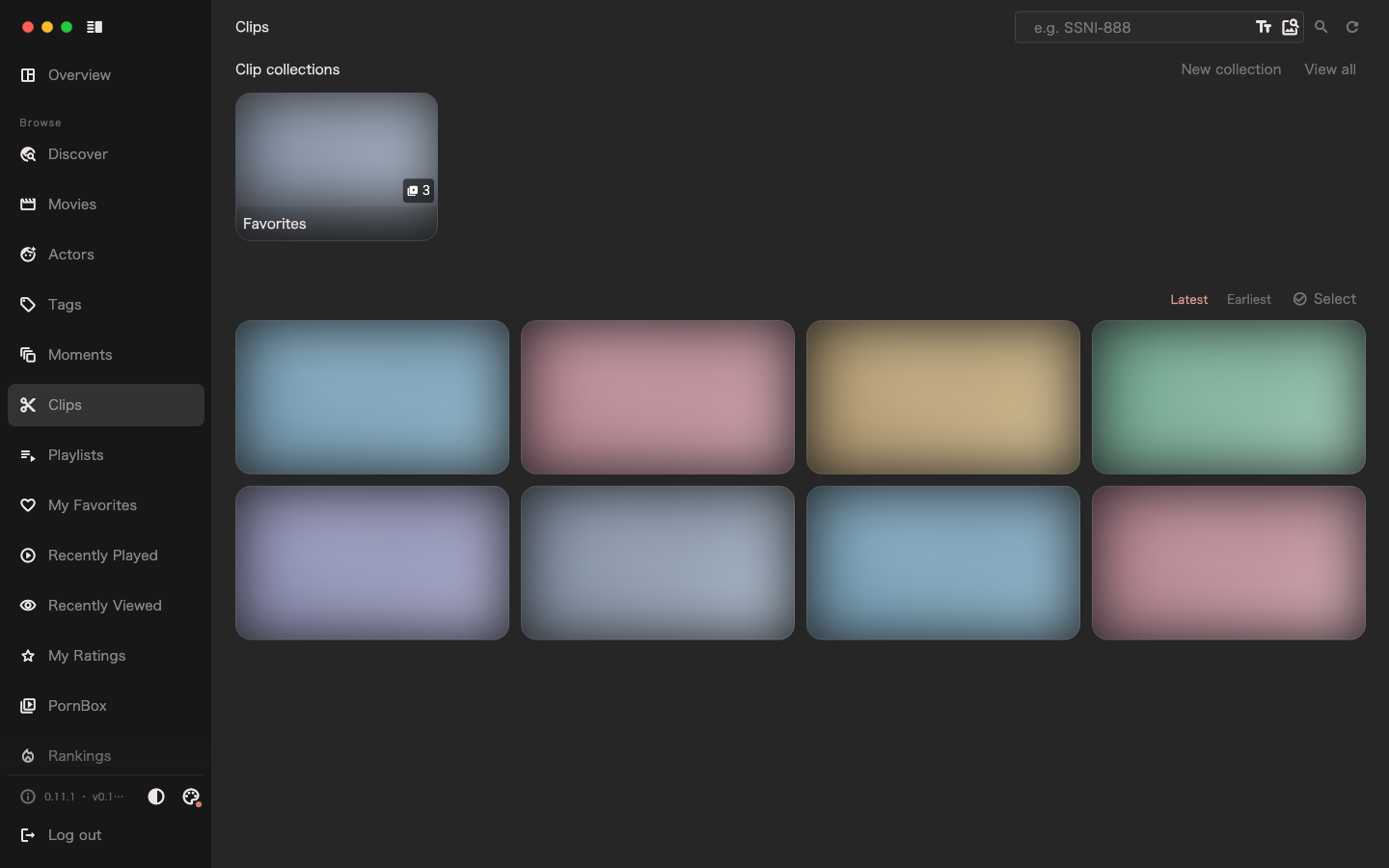
Organize movies with playlists, mark the frames and positions you want to revisit with moments, and save the ranges you like as standalone videos with clips. Moments and clips can each be added to their own collections, and clip collections support continuous playback.
Generated clips remain after you delete the source media; moments depend on the source media. Choose the approach based on what you want to keep.
Learn about favorites and organization
Work with your own storage setup
Connect local or NAS-mounted directories, qBittorrent, the 115 cloud drive and offline downloads through plugins. Existing files can be imported directly; when a media library needs to move to different storage, you can migrate between supported sources and targets while keeping the original media records, playback progress and other associations.
The official image also bundles JavBus and AVMOO metadata plus common ranking plugins; install 115, Guangyapan, actor metadata completion and other optional plugins from the plugin market when you need them. Storage, download and migration capabilities depend on what the installed plugins support.
View plugins · Learn about media storage migration
More everyday features
| Feature | What you can do |
|---|---|
| Search and discovery | Search movies by movie number, find actors by name, and browse content through tags, rankings and recommendations |
| Playback and resume | Choose the media version, use subtitles, playback speed and resume; supported platforms can hand off to an external player |
| Media organization | Review duplicate files, multiple versions and broken media, then clean up or migrate as needed |
| Tasks and feedback | See progress, results and errors for downloads, imports and background tasks in one place, and get reminders through notifications |
| PornBox regular videos | Import videos without a movie number, organize them into video collections and play them continuously |
| Desktop and mobile | Configure and centrally manage on desktop, browse and watch on mobile; specific entry points and capabilities vary by platform |
Detailed instructions start with the User Manual.
First, understand what a subscription means
Subscribing to a movie means "I want this movie downloaded into my library so I can watch it later." The automated flow needs available resources and correct download and storage configuration.
Subscribing to an actor means "I want to keep hearing about her works." The system syncs work metadata and does not subscribe to her movies for you; you keep picking which works to download.
Movie metadata and video files are also different things: finding a cover, cast list and description does not mean you already have playable media. See Understanding the system for details.
How the system fits together
| Part | Purpose |
|---|---|
| Backend service | Stores metadata and state, and runs background tasks such as downloads and imports |
| Client app | Browses movies, starts actions, plays and manages media |
| Storage and download plugins | Connect actual storage and download tools, and provide capabilities to the media library |
| Bundled and extensible | The official image bundles JavBus and AVMOO metadata and common ranking plugins; other capabilities can be installed as needed. Image search also needs companion services and an index |
In normal use you deploy the backend first, then connect a client and configure a media library. This guide focuses on the complete desktop management flow; mobile entry points and available features differ.
Where to start
- Not deployed yet: read Quick Start to deploy and do the initial configuration.
- Choosing a storage approach: the official image bundles "Local Storage & qBittorrent", JavBus and AVMOO metadata sources, and common ranking plugins, so on a first deployment you can create a media library right away and adjust the metadata source order as needed; browse Recommended Plugins when you need 115, Guangyapan, other metadata sources or other plugins.
- Already deployed: go to the User Manual and start with "Import existing assets" to bring in movies you already have; look at "Get your first movie" when you want automatic downloads.
- Want to understand the product's design thinking: read Why SakuraMedia and the articles under "Design philosophy".
Field configuration, background tasks, maintenance commands and FAQs also live in the "Getting Started" group — look them up as needed when you hit a specific question.
Next: Quick Start.