
Discover movies and follow actors
You can start from a single movie number, or browse slowly through actors, tags or rankings. The goal of discovery is to pick the movies you genuinely want to subscribe to.
Local search and online search
The search page has two kinds of results, "Movies" and "Actors".
- By default the search runs against the local library: titles, movie numbers, actor names and tags all work as keywords, movies and actors are searched at the same time, and whichever side has results is shown automatically.
- With "Online search" to the right of the search box turned on: a movie number queries external sources for movies, and a name queries external sources for actors.
- When the local library has no results, you can also click "Fetch from external source" in the results area to switch straight to online search.
- Records fetched successfully from external sources are saved to the system.
Having a movie record locally still does not mean media exists. Whether it can play depends on the media list in the details.
If an external query fails, check the metadata source connection on the "Overview" page.
Subscribe to an actor
- Open her details from search results or the "Actors" list.
- Check the name, avatar and releases to confirm the target.
- Click the subscribe action.
- Wait for the "Subscribed actor movie sync" background task to sync her release records.
- Check updates under "New from actors" in "Discover", or go back to her details to browse releases.
The first sync fetches the release list and may take a while. Later syncs check incrementally for new releases, and you can follow the runs in the task center. Task schedules follow the server configuration.
You still do the picking after following
An actor subscription only keeps fetching release records. When you see a release you want, you still need to "Subscribe to movie" for that movie before it enters the eligible auto-download flow.
Cancelling an actor subscription stops syncing her as a subscribed actor; it does not cancel the movies you already subscribed to. Movie subscriptions are managed separately.
Discover movies through other entry points
| Entry point | When it fits |
|---|---|
| Movie list | Browse saved records with the existing filters and sorting |
| Actor details | Focus on one actor's releases |
| Tags | Filter by combinations of genre or traits |
| Rankings | Browse popular movies from enabled ranking sources |
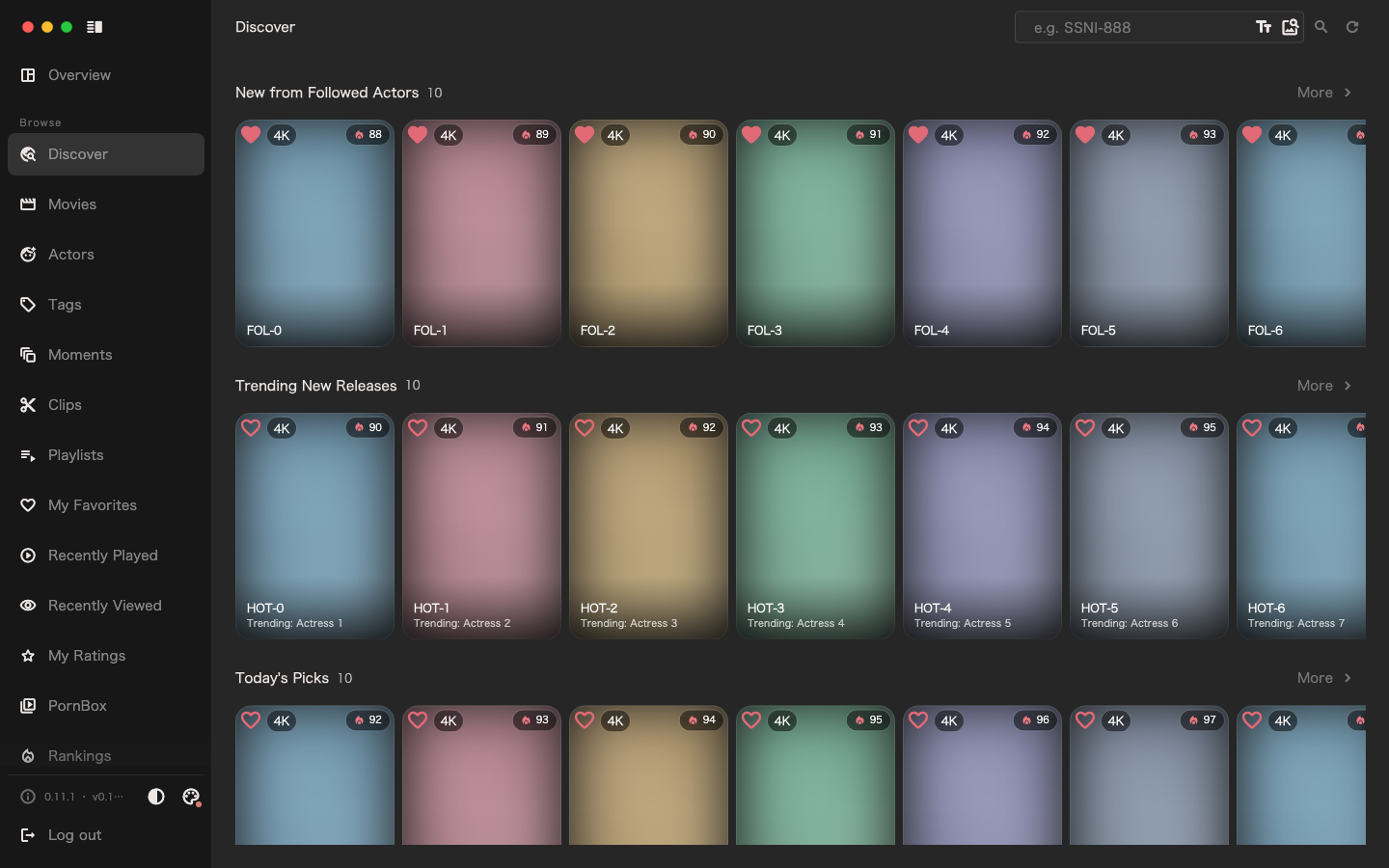
| Discover | Browse recommended movies, recommended moments and new from actors |
Ranking sources come from plugins; without the matching plugin enabled or before a sync has run, no ranking content appears out of nowhere. Configure Recommended plugins as needed.
Whichever entry point you find a movie through, you can open the details first and then decide whether to subscribe. Browsing, searching and viewing details express no intent to download.
When new from actors is empty
Check in order whether you have subscribed to actors, whether "Subscribed actor movie sync" succeeded, whether the metadata plugins can reach the network, and whether any release meets the display conditions. An empty list can simply mean a subscription was just added and has not synced yet, or that there are no recent releases.