
PornBox and Regular Videos
PornBox is for browsing and managing regular videos, such as collections, recordings or edited content that have no movie number. It organizes content by video title and video collection, and also supports playback, thumbnails and playback progress.
For files that have a clear JAV movie number and that you want to associate with actors and movie metadata, use JAV movie import.
Importing regular videos
- Go to "Manage → Media Import" and switch to "Videos".
- Click "New Import" and select the target media library.
- Select files or directories in the source browser.
- Choose a video collection if needed, or create a new one.
- Confirm the "Import mode" and click "Start Import".
- Check progress and results in the "Task Center", then open "PornBox" in the sidebar to confirm the video.
The source browsing scope is provided by the storage plugin of the selected media library. If you cannot find a file, check that library's source configuration and storage access.
Import modes
"Keep source file" is the default. "Delete source file after import" removes the source file once it has been imported successfully, so double-check before submitting.
A video's title comes from the name of the import source by default. An import may partly succeed; after the task finishes, review the failed and skipped statistics.
Browsing and playback
Open a video's detail page from the PornBox list and then start playback. When there is watch progress, you can continue from the resume prompt; thumbnails are generated in the background, so they may take a moment right after import.
Mobile also has entry points for browsing and playing PornBox content; the page paths in this management guide follow the desktop client.
Organizing content with video collections
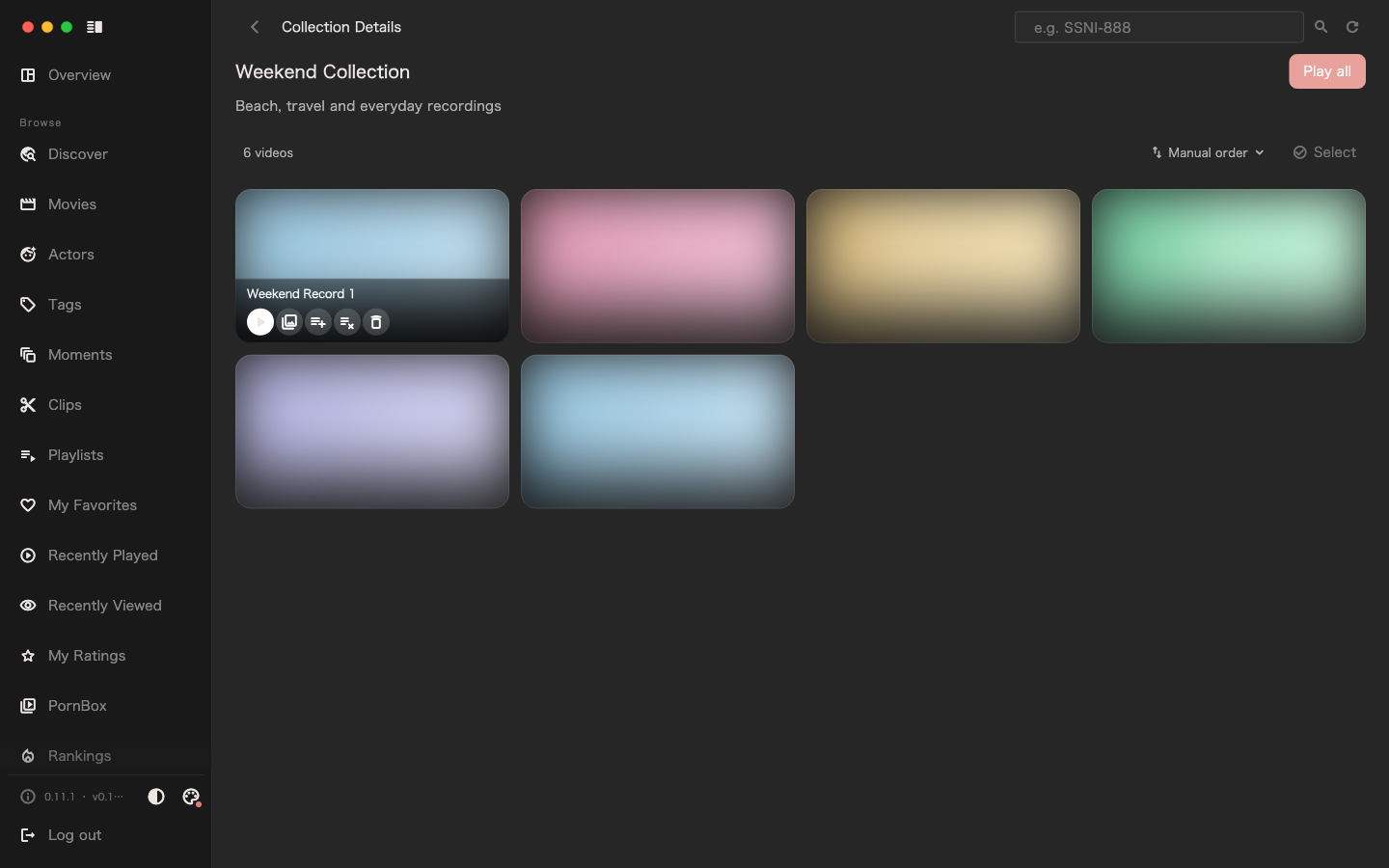
Create a collection from the collections entry in PornBox, add the relevant videos, then adjust the member order on the collection detail page. When you play a collection, the client plays the members in order.
- A video can belong to multiple collections.
- A collection stores member relationships and order; it does not copy files for each collection.
- Deleting a collection does not delete the videos; deleting a video removes its membership from collections.
Video collections manage different objects than movie playlists, moment collections and clip collections — choose according to what you want to organize.
Differences from movie subscriptions
Regular videos do not use JAV movie numbers, actor subscriptions or the subscription-based resource search. To add a regular video, start from Media Import; to check progress, look up the corresponding video import task in the Task Center.
Back to the User Manual.