
Discover more from a single frame
Search by image suits a situation like this: you like the scene in front of you, but describing it with a movie number, actor or tag is not easy. Using that image as a clue, you can look for similar frames that are already indexed in the system.
What you need first
The system needs searchable images, a working embedding service and a vector index. Media thumbnails have to be generated before they can be indexed; plot images have their own indexing task too.
On first use, check the relevant components on the "Overview" page, and check "Media thumbnail generation", "Search-by-image thumbnail vector index" and "Search-by-image plot image vector index" in the task center. See Optional vector services and SigLIP2 hardware options for deploying the services.
This feature searches images already indexed by the system; it does not search the whole internet for you.
Start from a thumbnail you like
- Open a movie's thumbnail panel and find a frame you are interested in.
- Open that image's action menu and choose "Similar images".
- Review the results on the search-by-image page and adjust the scope and filters as needed.
- Open a result you are interested in to view details; thumbnail results with a playable source can jump to the matching time and keep playing.
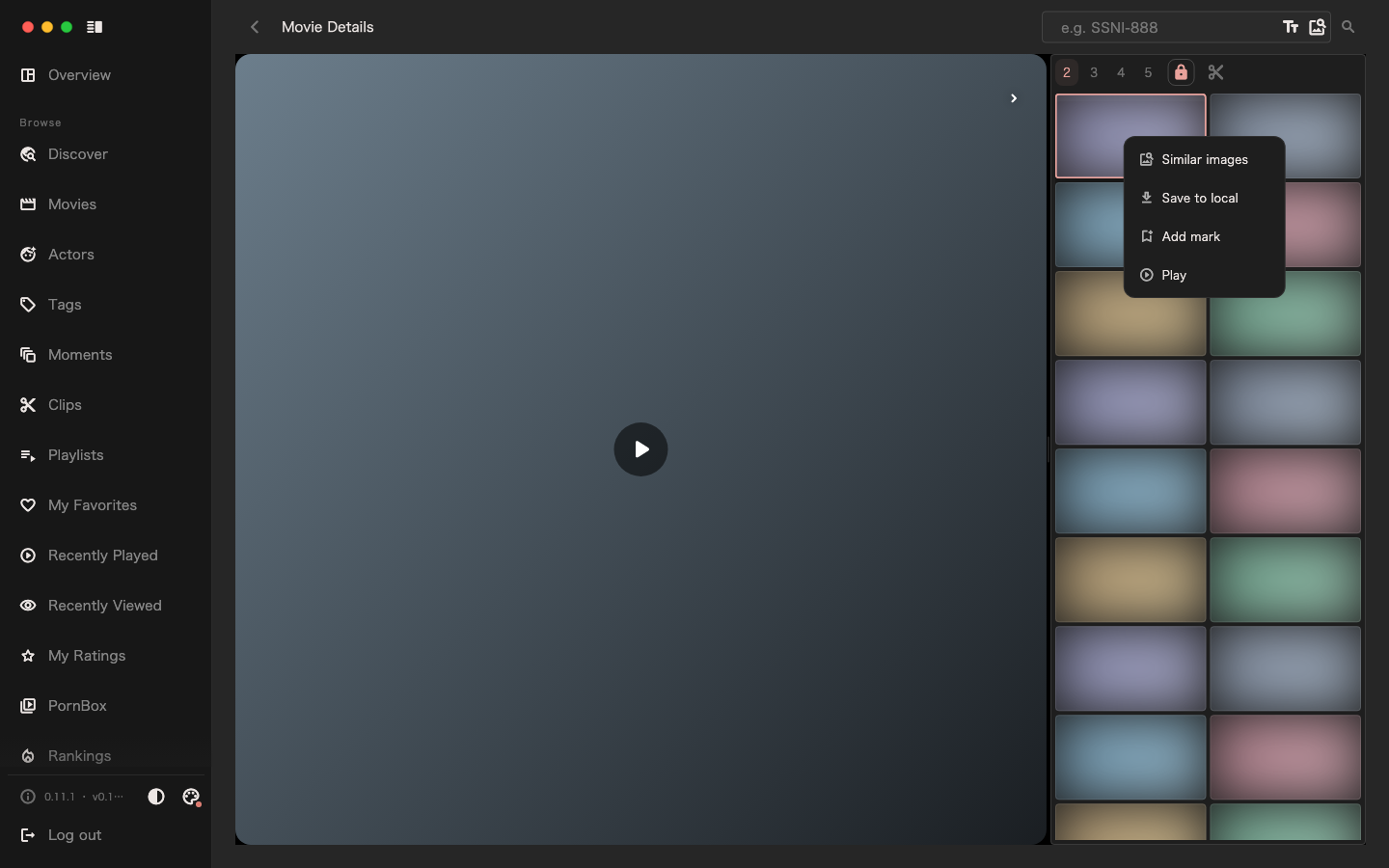
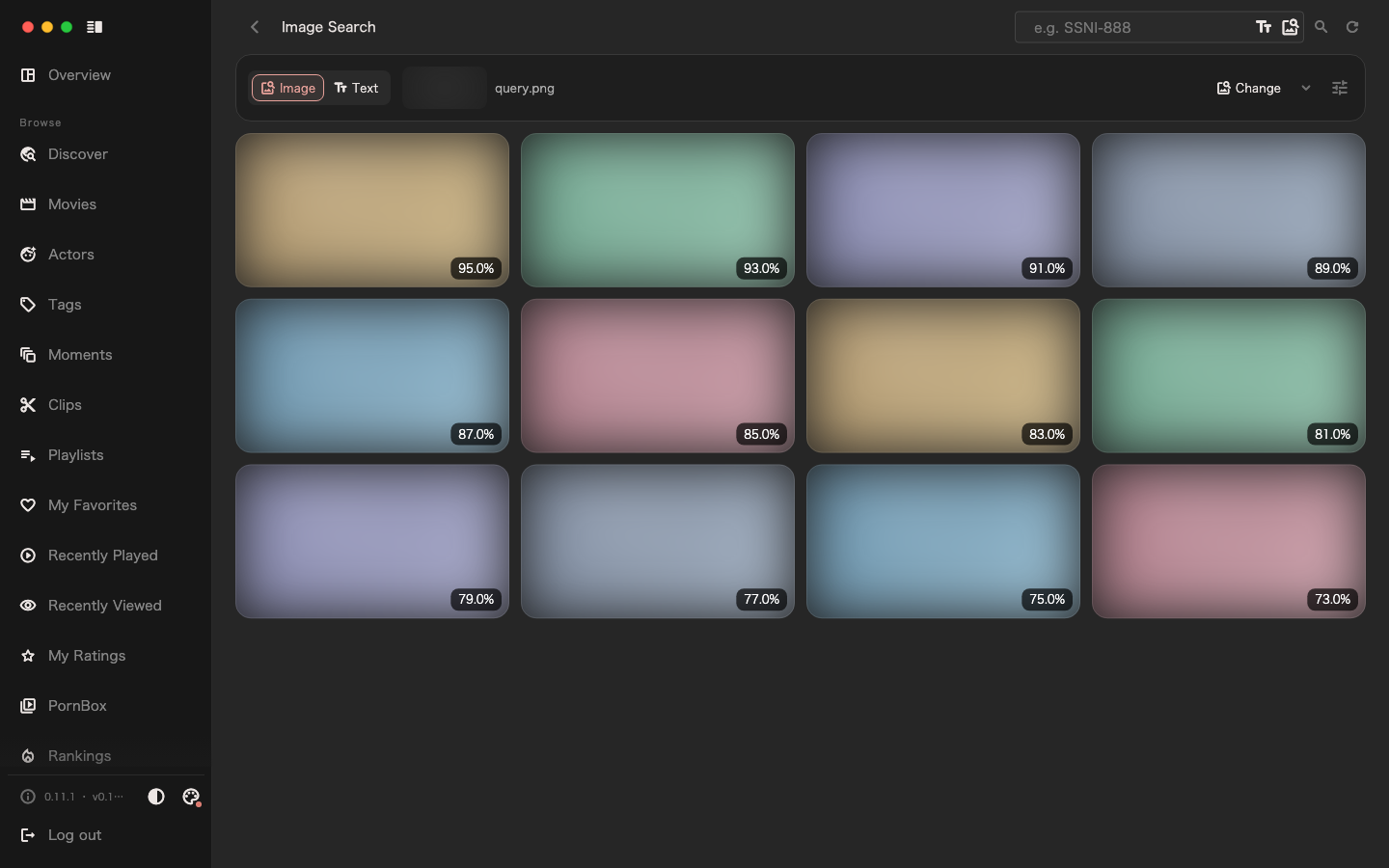
The action menu on a movie's plot images can also start a similar-image search. Similar images do not mean the same actors, story or content; check the results yourself.
The result shows an image, so why can it not play
Search results can come from different kinds of images. A plot image does not necessarily map to a seekable point in a media item, and a movie record may not be linked to media yet.
So having an image result does not mean having the video. Open the corresponding movie details and check whether media is available; subscribe if you need to obtain the movie.
No results or very few results
Check in order:
- Whether the system already has enough images and media.
- Whether thumbnails were generated successfully.
- Whether the corresponding image indexing task finished.
- Whether the search scope and filters are too narrow.
Indexing is a background task, so newly imported content may not appear in results yet. Repeating a search cannot replace index generation.
Once you find a frame you like, you can mark a moment or create a clip to come back to it later.