
User manual
This manual starts once SakuraMedia is deployed and you can sign in, and walks you through discovery, subscription, download, import, playback and organizing. If SakuraMedia is not deployed yet, read Quick start first.
The tutorials follow the page names and entry points of the desktop client. Mobile clients work for browsing and watching, but the layout and the management entry points available differ; use the desktop client when configuring the system or dealing with subscriptions and import problems in bulk.
Want to see it in action first? Play the 45-second demo →
Interface at a glance
Screenshots use demo data, with covers and thumbnails blurred.
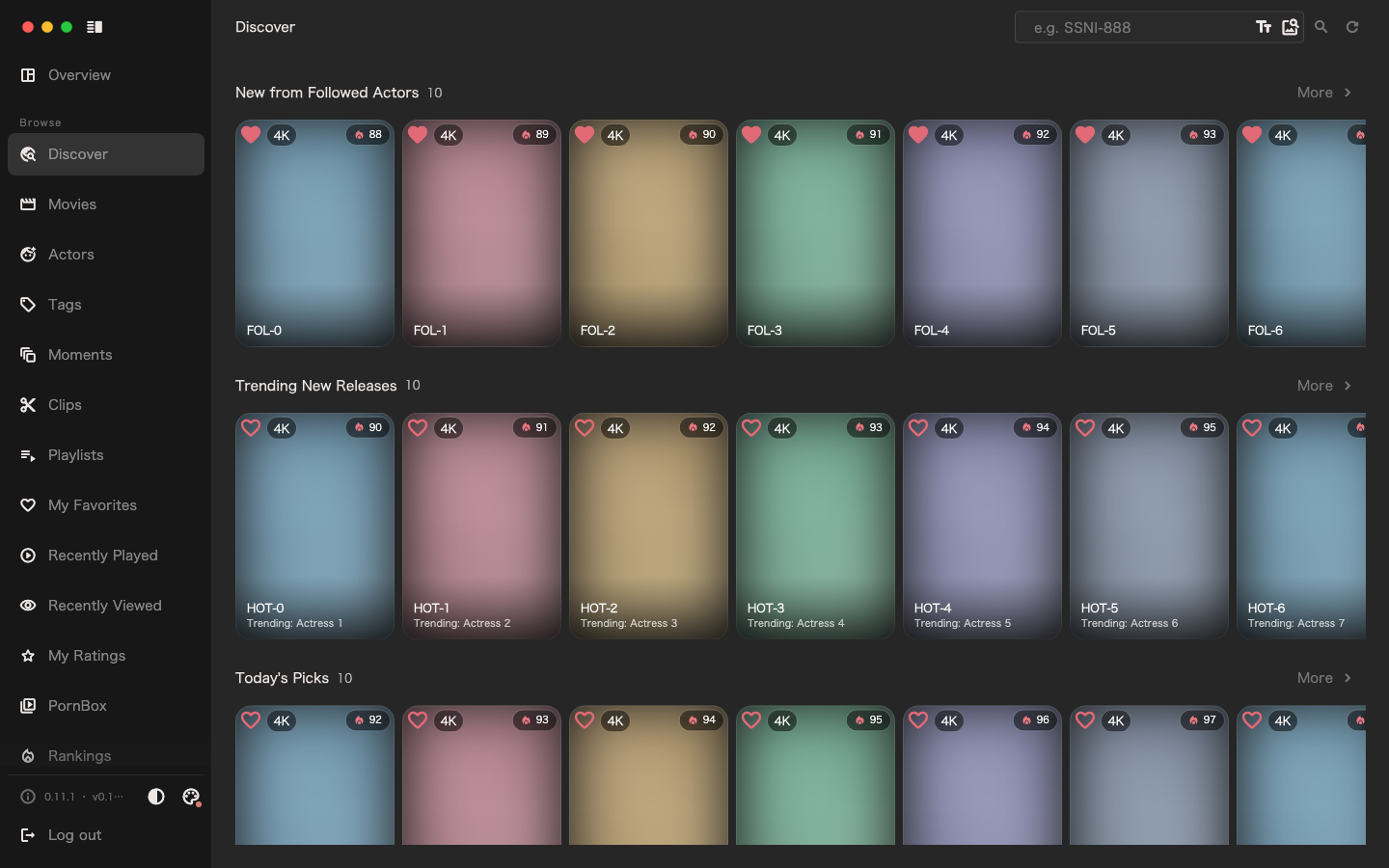
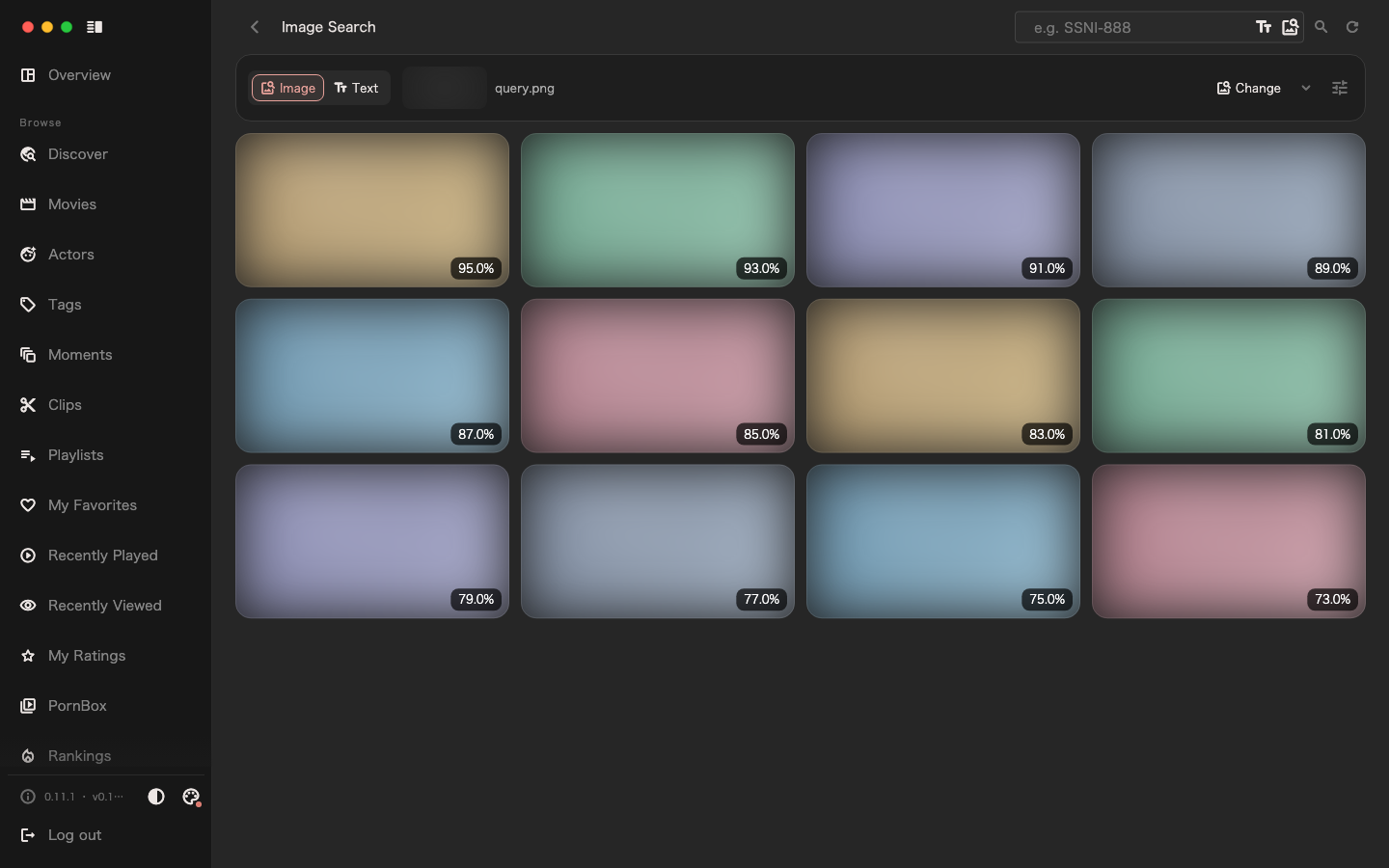
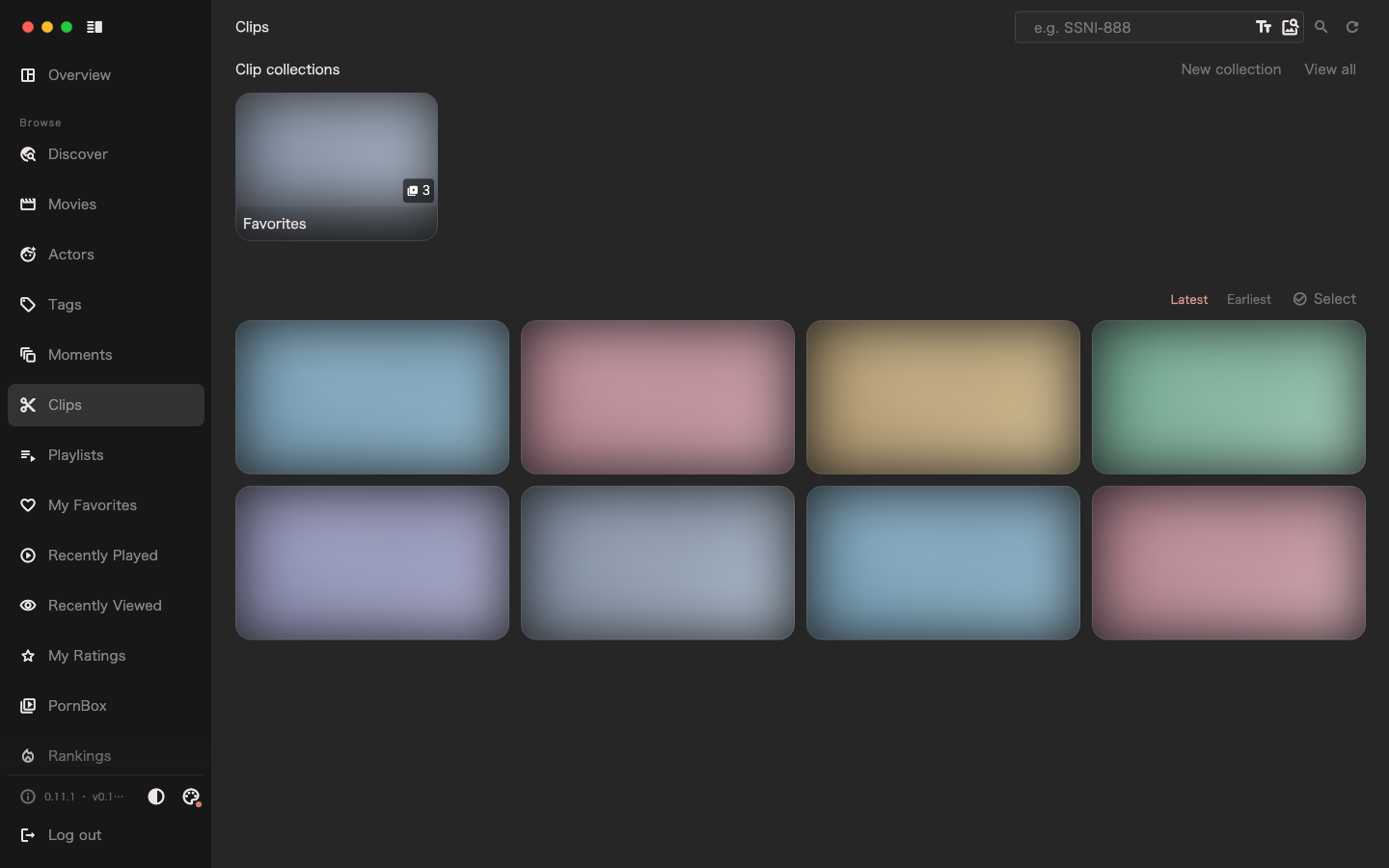
Choose your starting point
| What you want to do now | Reading order |
|---|---|
| Find a movie you want and let the system download it | How SakuraMedia works → Get your first movie |
| Organize files you already have on a NAS or cloud drive | How SakuraMedia works → Import existing files → Start watching |
| Keep following favorite actors and movies | Discover movies and follow actors → Subscriptions and download progress |
| Keep the moments and clips you like | Collections and organizing |
| Free up space or change storage | Media library management |
| Find similar content by picture | Search by image |
| Manage ordinary videos without a movie number | PornBox and ordinary videos |
Getting started
- How SakuraMedia works: what records, media and the two kinds of subscription are.
- Get the first movie you want: go from search to playback once.
- Import existing files: another starting path when you already have files.
Daily use
- Discover movies and follow actors
- Subscriptions and download progress
- Start watching
- Collections and organizing: playlists, moments and clips
Advanced use
When you run into problems, check the FAQ first. Task schedules, configuration fields and deployment steps are collected under "Getting started" in the sidebar.