
When you have time, what you want to watch is already there
Sometimes I see a movie I'm interested in, but it hasn't been released yet. I subscribe to it first, and later, when a suitable source appears, let the system download and import it automatically.
That way I don't have to remember the release date, or search every few days. When I have time to open the media library, I can see which of the movies I subscribed to are ready to watch.
This is the main way I use subscriptions and auto-download.
Subscribe to movies you're interested in first
There are many ways to find new movies. Maybe an actor I like announced a new work, or while browsing movies, I looked at the cover and description and thought this one was worth a look.
If it hasn't been released yet, or there's no source for now, subscribe first. Movies that already have a source but I have no time to watch can be handled the same way.
I don't need to arrange searching, downloading, and watching the moment I discover it. I just note down which one I want to watch, and the rest can be done slowly.
Keep following new releases from actors you like
Some actors' work I watch often. Rather than searching each time I think of it, subscribing to the actor is more convenient.
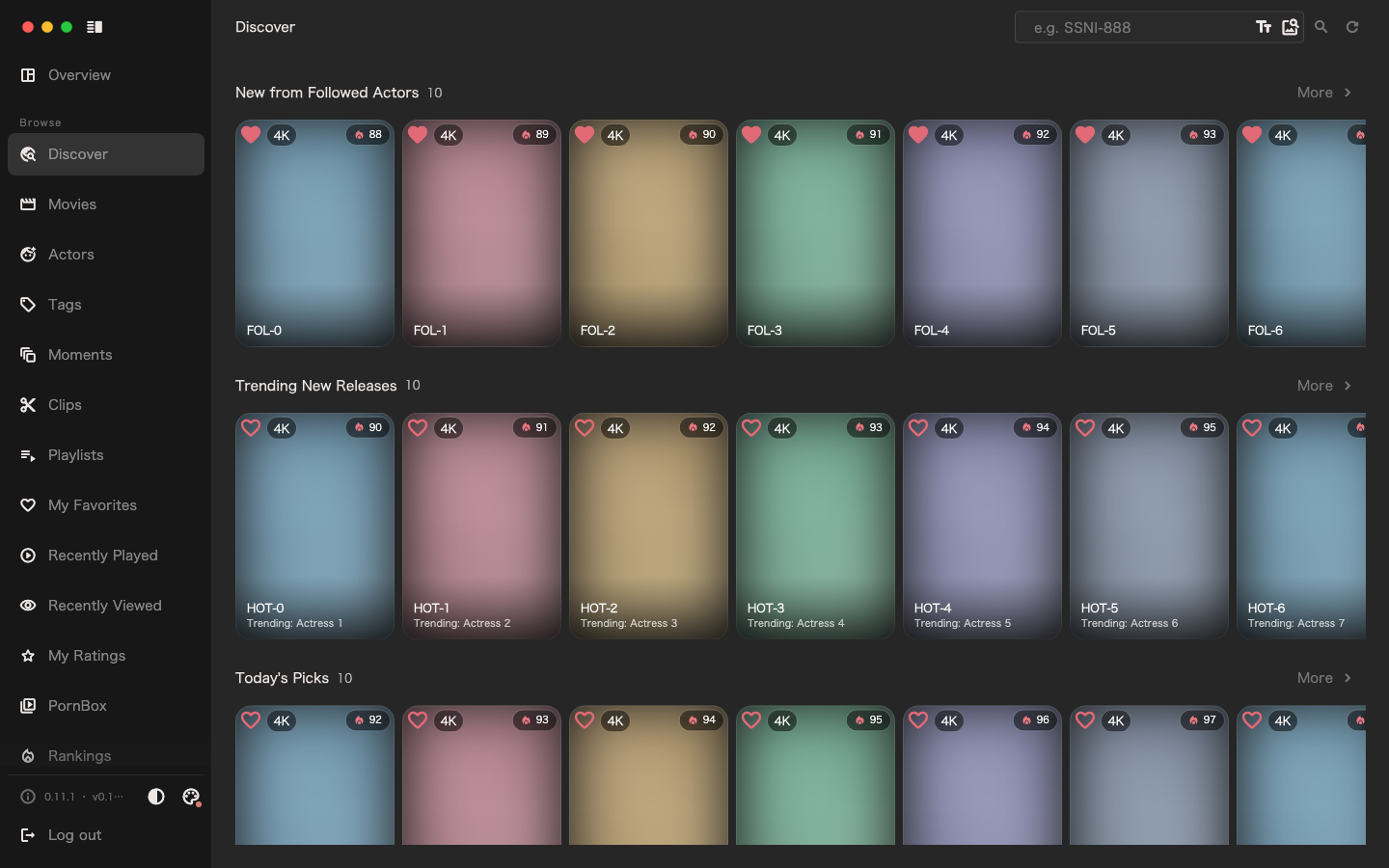
The system periodically syncs the work data of subscribed actors. I can check what they've released recently under "new releases from actors", then subscribe to the movies I want to watch, bringing them into the later auto-download flow. Subscribing to an actor does not automatically subscribe to her works.
If I'm only interested in one movie, subscribing to that movie is enough; if I want to keep following her future works, then subscribe to the actor. Just follow your own viewing habits.
Let the system handle downloading and importing
Finding a source, submitting the download, waiting for it to finish, then importing into the media library—these steps are much the same every time. I want to configure it once and not keep manually picking it up.
Once the indexers, download clients, target media library, and related automatic tasks are configured, the system periodically looks for sources for subscribed movies that don't yet have playable media. When a matching source is found, it submits the download; after the download completes, it imports into the media library automatically.
A movie may not have a usable source right after release, and downloads and imports can run into problems. So a subscription doesn't guarantee you can watch on release day; you can check specific progress and failure reasons in the Task Center.
Normally, I just need to pick the movies I want to watch first, then open the media library when I have time and see which ones are ready. When I feel like watching, I can start right away instead of waiting for a download on the spot.
After watching, decide what to keep
When subscribing, I only thought the movie was worth a look; I didn't know yet whether I'd like it.
After downloading, I can browse the thumbnails first and pick the parts I'm interested in, or watch slowly from the beginning. After watching, I decide whether to keep the whole thing, mark a few moments, or turn the part I like into a clip.
If I don't like it that much, I can clean it up when organizing space. I don't have to keep it forever just because I subscribed and downloaded it.
For me, this process is quite smooth: subscribe when I discover a movie I'm interested in, let it download and import automatically once a source is available, watch when I have time, and finally keep what I truly like.