
How SakuraMedia works
SakuraMedia links discovery, subscription, download, watching and collecting together. You can pick the movies you want first and let the system keep looking for resources; or import files you already have, then watch and organize them over time.
Records, media and media libraries
| Name | What it holds | What you can do |
|---|---|---|
| Movie record | Movie number, title, cover, actors, tags and more | Browse, search and subscribe; decide whether you want to watch it |
| Media | The actual video files linked to a movie, plus playback information | Play, view thumbnails, choose a version |
| Media library | Where media is stored and its storage configuration | Hand files to the matching storage for management and playback |
Seeing a cover and movie details only means the system has the record for that movie. You can play only once the details show available media. One movie can have several media items, for example different quality levels or different cuts.
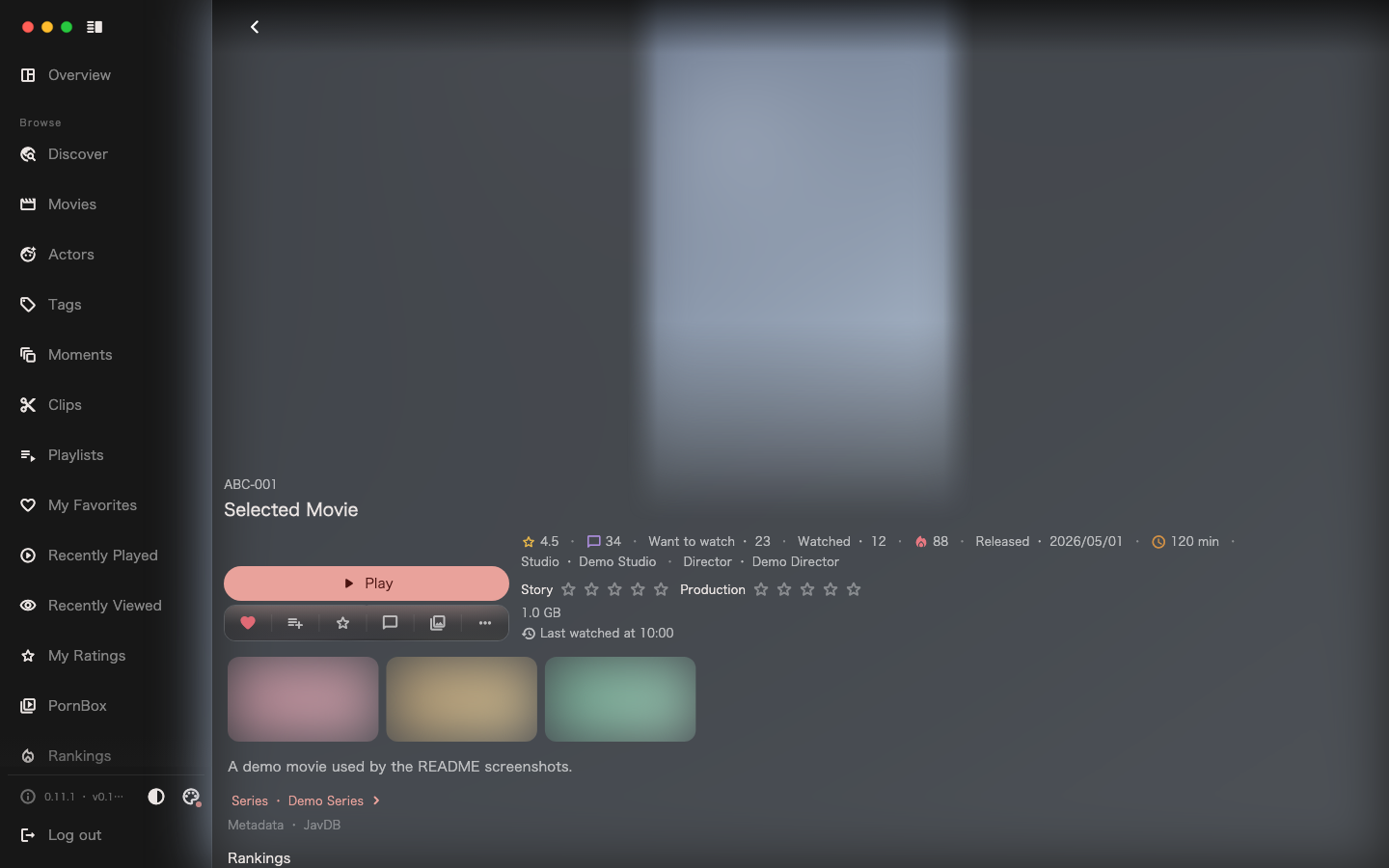
This manual uses "sync records" for fetching movie information and "media imported" for a completed file import. Online search and actor release sync produce records; they do not mean the video has been downloaded.
Two kinds of subscription, two kinds of intent
Subscribe to a movie: I am interested in this movie, want it downloaded into the library, and will watch it later.
Through scheduled tasks, the system looks for resources for eligible subscribed movies that lack media; when it finds a suitable resource it submits a download and imports the result after it completes. This process depends on the configured indexers, download clients, media libraries and background tasks, and on whether a resource is available.
A subscription is a long-term intent. The movie stays subscribed after it is imported; there is no need to cancel just because the download has finished.
Subscribe to an actor: I like her and want to keep knowing which releases she has.
The system periodically syncs her release records. The first sync fetches the release list, and later syncs check incrementally for updates. Once releases appear in the system, you decide which movies are worth subscribing to; subscribing to an actor does not make the system subscribe to all of her releases.
For example: you subscribe to an actor and find she has three new releases, but you are only interested in one of them. Subscribe to that movie only; you can still browse the records of the other two.
From discovery to watching
- Find a movie through search, an actor's releases, tags or rankings.
- Subscribe to the movies you want to watch.
- The system looks for resources and submits a download.
- When the download completes, the system imports the file into the media library.
- Open the movie details, choose a media item and start playback.
- Organize the content you like with playlists, moments or clips.
If you already have files, you can start from step 4 and read Import existing files.
Where to see results
| What you care about | Page |
|---|---|
| Which movies have no resource yet | Subscriptions |
| How far a download, import or background job has got | Task center |
| Reminders from the system | Notifications |
| Which playable files a movie has | The media list in the movie details |
| Which files are duplicated, broken or need cleaning up | Media management |
Read the prompt carefully before cancelling a subscription
A movie that already has media cannot be unsubscribed by default. "Delete media and force unsubscribe" deletes the corresponding media files and records. Read Media library management before cleaning up.
Interface language
The client supports two interface languages, Simplified Chinese and English. Once signed in, switch languages under "Settings → Appearance → Interface language"; before signing in, use the language switcher in the top-right corner of the sign-in page. Interface text follows the language you choose.
Next: Get the first movie you want.